
Car Apps – Ask a driver what their car costs, and you’ll hear about fuel. Rarely the full picture. Parking, tires, insurance, that surprise brake job in March: all of it scatters across receipts, bank statements and memory. A car app pulls it into one place. Here’s how, and why it’s worth the few minutes of setup.
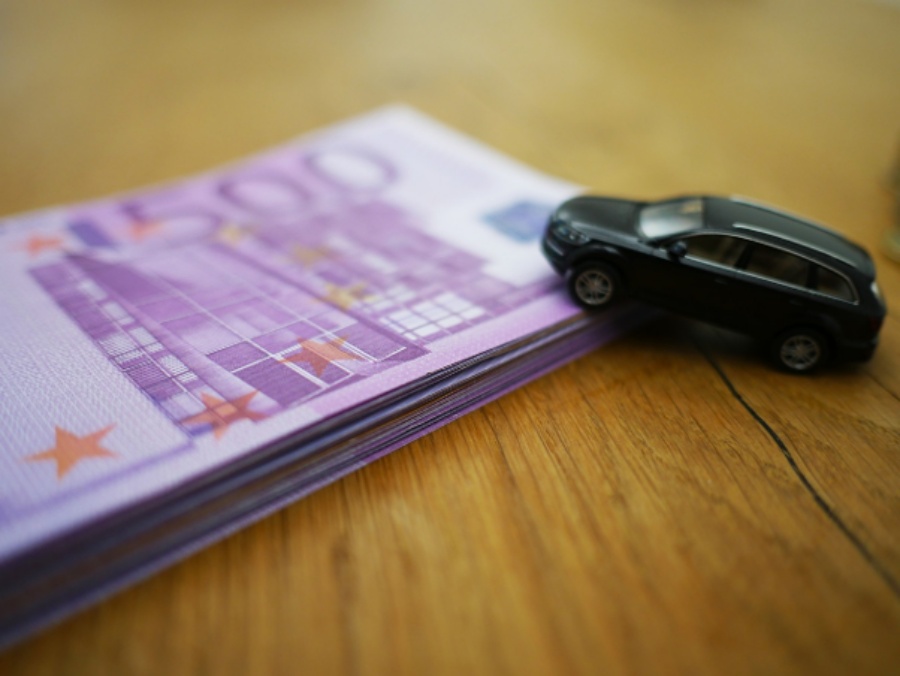
The Real Price of Owning a Car
The numbers are bigger than most people guess. AAA’s latest Your Driving Costs study puts the average yearly cost of owning and running a new vehicle at $12,863, roughly $1,072 a month.
Most drivers track the fuel bill and lose sight of everything else. A $40 oil change here, an $18 parking fee there. Nobody notices until December, when the total lands like a brick.
What a Car Expense App Actually Records
The core toolkit looks similar across most apps:
- Fuel and charging logs. Every fill-up with price, volume and odometer reading, so the app works out consumption for you.
- Service history. Oil changes, new tires, inspections, and reminders before the next one is due.
- Mileage tracking. GPS trips that start on their own, then sort into business or personal.
- Receipt photos. Snap the paper slip and it stays attached to the entry.
- Monthly totals, cost per mile, simple charts.
Fuelio and Drivvo lean toward fuel and maintenance, while MileIQ and Everlance focus on mileage. Whichever you pick, remember what you’re feeding it: a detailed diary of where you fill up, when you commute and which garage you trust.
That data travels to the cloud—often via coffee shop or airport Wi-Fi—and a VPN encrypts the transmission so strangers on the same network cannot easily read it. Plus, a VPN allows you to mask your online activity. For example, you can use servers in Nigeria to pay for a streaming service subscription at a discount, or simply cover your tracks and avoid price discrimination. After all, advertisers track people’s interests and “tailor” prices accordingly.
Costs Most People Forget
Fuel and repairs get all the attention. The small stuff sneaks past:
- Parking and tolls
- Car washes and detailing
- Registration, inspection and emissions fees
- Roadside assistance or connected-car subscriptions
- Tickets and fines
Each looks harmless alone. Together they add up quietly, and an app that takes ten seconds per entry makes sure none of them vanish.
Turning Logs Into Savings
Once a few weeks of data pile up, patterns show. Maybe your commute costs more per mile than you thought. Maybe one station is always cheaper than the one next to your office. Numbers settle arguments.
Mileage Deductions for Work Drivers
For anyone who drives for work, the stakes are concrete. The IRS started 2026 with a business mileage rate of 72.5 cents per mile, up from 70 cents in 2025. Drive 10,000 business miles and that’s a $7,250 deduction, but only if you can prove the miles.
Pro tip: Log it the same day. A trip you skip today is a trip you’ll guess next month.
Electric and Hybrid Cars Need Tracking Too
Electric cars change the math, not the need to track it. In a 2022 AAA comparison, fueling a gas car for 15,000 miles cost roughly $2,700 a year, against about $600 to charge an EV. Big gap. But AAA’s newest analysis says fuel savings from EVs and hybrids still don’t offset their higher ownership costs.
Charging is messier to track than pumping gas. Home electricity, public fast chargers, subscription fees: three price tags for one habit. Log all three and your true cost per mile finally shows up. Several apps let you record charging sessions next to regular fill-ups, which is handy for plug-in hybrid owners.
Manual Logging vs. a Car App
Paper notebooks and spreadsheets still work. They just ask more of you.
| Notebook or spreadsheet | Car app | |
| Entry time | Minutes | Seconds |
| Mileage | Manual odometer notes | Automatic GPS trips |
| Receipts | A shoebox | Photo attached |
| Reminders | Your memory | Built-in alerts |
| Reports | Build your own | Instant charts |
If you enjoy spreadsheets, keep one. Many apps export to CSV anyway, so you can have both and let the app do the boring typing.
What to Look for Before You Download
Price matters less than friction. If logging takes more than a few taps, you’ll probably quit within weeks. Look for a clean entry screen, offline mode for weak signals, and an export option so your data never gets trapped. Free versions often show ads or cap your history, so decide what an upgrade is worth to you.
Getting Started Without the Headache
You don’t need every feature on day one. Try this order:
- Install one app and enter your current odometer reading.
- Add fixed costs once: insurance, loan payment, registration.
- Log every fill-up right at the pump.
- Photograph receipts before they crumple in the glove box.
- Spend five minutes each month reviewing the totals.
Common Mistakes to Avoid
Even good apps fail when habits slip. Watch for these:
- Logging in bulk. Batching a week of entries means guessing prices and odometer numbers.
- Ignoring the odometer. Fuel efficiency figures are only as good as the readings behind them.
- Leaving trips unsorted. Auto-tracking apps can’t always tell a client visit from a grocery run.
- Skipping backups. Check that your data syncs or exports before you change phones.
One Small Habit, One Clear Picture
A car will always cost money. The only real choice is whether you see it coming. Pick an app this week, log the next fill-up, and let the numbers build. By spring you’ll know your cost per mile, your service dates and your biggest leaks. Not bad for ten seconds at a time.